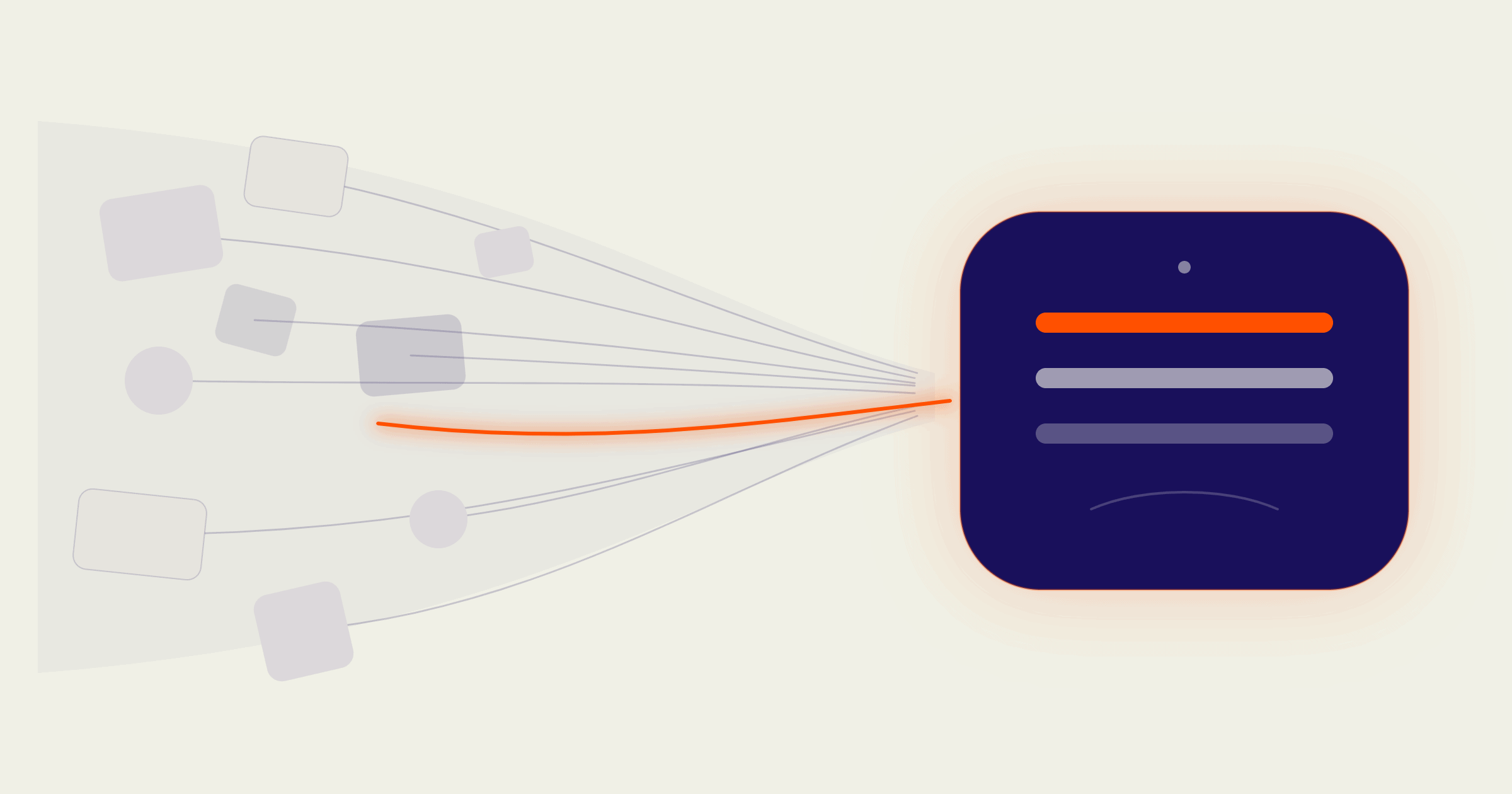
Why Implement Microsoft Fabric? The Business Case for a Unified Data Platform
What’s Driving Businesses to Implement Microsoft Fabric?
Businesses implement Microsoft Fabric to replace fragmented reporting tools with one governed data platform, so that leadership can trust the numbers behind every decision instead of reconciling five different versions of the truth.
That need becomes obvious when a CEO asks a simple question in a leadership meeting: “What was our margin on that product line last quarter?” Finance has one number, operations has another, sales has a third, pulled from a spreadsheet nobody remembers building. Ten minutes are lost to reconciling numbers instead of deciding what to do about them.
That is an architecture problem, and solving it is exactly what a Microsoft Fabric implementation is built for. This blog post sets out what Microsoft Fabric is, the business case for implementing it, and how to approach adoption without disrupting the reporting your teams already depend on.
The Cost of Not Trusting Your Own Numbers
Often, executives stop trusting a dashboard the moment it has been wrong once, and that mistrust usually traces back to how the underlying data was built, not the dashboard itself.
Most growing organisations accumulate their data infrastructure the way a business accumulates furniture: one tool at a time, each one solving an immediate problem, none of them designed to work together;
- A data warehouse for finance
- A separate pipeline for the operations team
- Power BI reports built on inconsistent extracts
- Definitions of “revenue” or “active customer” that differ by department
Individually, each tool worked. Collectively, they created data chaos: multiple versions of the truth, slow reporting cycles, and executives who trust their gut over the dashboard because the dashboard has been wrong before. That erosion of trust carries a real cost. It slows leadership down every time a number needs double-checking before anyone will act on it, a cost that compounds every quarter it goes unaddressed.
The Structural Root Cause
The root cause sits in governance. Without a single, well-modelled foundation analysts spend their time reconciling numbers instead of generating insight. Data lives in disconnected systems, moved between them by a patchwork of exports, scripts and manual refreshes. Every new report is built from scratch on its own version of “the data,” so consistency depends on individual effort rather than architecture. Without governance built into the architecture itself, your data team is fighting the same fires every reporting cycle. Before recommending a fix, though, it helps to know exactly how far into that fire-fighting cycle your organisation actually is.
What Is the SeedGrowth Data Maturity Curve?
The SeedGrowth Data Maturity Curve is our four-stage model for how businesses evolve their use of data, from reactive reporting through to proactive, AI-ready insight, and it is the lens we use to diagnose where an organisation sits before recommending a plan for a Fabric implementation.

- Stage 1: Reactive Reporting (Reporting Without Reliability) — inconsistent, untrusted reporting, scattered spreadsheets, and decisions made by gut feel
- Stage 2: Organised BI (From Tools to Trust) — BI tools are in place, but adoption is low, metrics differ across teams, and reporting lags behind what the business actually needs
- Stage 3: Strategy Analytics (From Trusted to Future-Proof) — BI is trusted and delivering value, but growth exposes capacity and scalability limits
- Stage 4: Proactive Insight (Predictive and AI-Ready) — BI shifts from reporting the past to anticipating the future, with data-driven action embedded at every level of the business
Most organisations considering Microsoft Fabric are sitting in stage 2, with BI tools in place but no shared architecture underneath them. Fabric is built for exactly that move into stage 3: a scalable, governed foundation with semantic models built in, which is also what makes stage 4 achievable rather than aspirational. For more on the foundation itself, see our piece on what a single source of truth in Power BI and Microsoft Fabric actually looks like.
What Does Microsoft Fabric Include?
Microsoft Fabric is a unified analytics platform built on a single shared storage layer called OneLake, bringing data engineering, data integration, data science, real-time intelligence and Power BI reporting together in one environment.
Two parts of that are worth pulling out, because they don’t get enough attention:
- Data science, built in rather than bolted on. Fabric includes a genuine data science workload, with notebooks, experiment tracking and model management running directly against governed data in OneLake. Most businesses will not need this in year one, and that is the right instinct: few organisations are yet at the stage of data maturity where it adds real value. It sits ready in the platform for when you are.
- A foundation built for AI. By the time an AI use case comes along, the data is already governed and centrally structured, which means the slowest and most expensive part of most AI projects, cleaning up fragmented data, is already handled. There is usually still a project to build the actual AI use case itself, but it starts from a governed foundation instead of a clean-up exercise.
For the full breakdown of what Fabric unlocks, specifically for Power BI reporting, single source of truth and governance, see our guide on integrating Power BI with Microsoft Fabric. This blog post focuses on the question that guide doesn’t answer: how do you actually get there without disrupting the reporting your business already relies on?
A word on real-time analytics. Fabric’s Real-Time Intelligence workload is genuinely valuable in industries like logistics, delivery, or fast-moving consumer goods, where minutes change outcomes. For most other businesses, it is worth pausing before switching it on. Real-time is an easy capability to get excited about simply because it exists, but the better question is whether a specific decision truly depends on it, or whether near real-time data, refreshed hourly, daily or weekly, already gives leadership the clarity they need. Near real-time is often the lower-cost, lower-complexity choice, and chasing real-time for its own sake adds architecture nobody ends up using.
This is why we describe Fabric as a decision environment. Leadership gets a structured data environment they can trust without checking three other sources first.
What Business Impact Does Microsoft Fabric Deliver?
For a business leader, the value of Fabric shows up in four key places:
- Faster, more confident decisions, because the numbers in the boardroom match the numbers in the system of record
- Lower total cost of ownership, because one governed platform replaces a patchwork of licences, integrations and duplicated storage
- Reduced risk exposure, because access and definitions are governed centrally rather than scattered across individual files and reports
- A scalable foundation, so reporting that works for one department today can extend across the business without being rebuilt
How Should a Business Approach a Microsoft Fabric Implementation?
Fabric implementation succeeds or fails on sequencing, and it typically plays out across four phases.
Phase 1: Discovery, Not a Technical Build
Map what “trusted” data actually means to your leadership team before touching architecture. Agree shared definitions for the metrics that matter (revenue, active customer, margin), and identify which sources are authoritative before anything gets migrated. Skipping this step is the single most common reason implementations stall: the technology gets built around definitions nobody has actually agreed on.
Phase 2: Migrate by Business Domain
Move one domain first, finance or operations are common starting points, prove the model works, then extend. An all-at-once migration multiplies risk and delays the point where leadership sees any value, which makes it harder to sustain buy-in through the rest of the rollout.
Phase 3: Build the Semantic Layer Deliberately
This is where shared definitions live in the platform, and it is the single highest-leverage investment in the whole implementation. Get this wrong and every report built on top of it inherits the same inconsistency Fabric was meant to remove. Our guide on semantic modelling in Power BI covers this in more depth.
Phase 4: Plan Governance From Day One
Row-level security and access models are far easier to design upfront than to unpick later, once dozens of reports already depend on a looser model.
Pro tip: The biggest implementation risk is treating Fabric as an IT project rather than a leadership initiative with an executive sponsor who owns the definitions being standardised.
Frequently Asked Questions
What is Microsoft Fabric?
Microsoft Fabric is Microsoft’s unified analytics platform, bringing data engineering, data integration, data science, real-time intelligence and Power BI reporting together in one environment, built on a single shared storage layer called OneLake. Rather than stitching together separate tools, a business gets one governed platform covering the whole data lifecycle, from raw data through to executive reporting.
Is Microsoft Fabric just Power BI with a new name?
No. Power BI is one workload inside Fabric. Fabric also includes data engineering, data integration (via pipelines), data science and real-time intelligence, all built on the shared OneLake foundation. Power BI becomes the reporting layer on top of a much broader platform.
Do we need to replace our existing Power BI reports to adopt Fabric?
Not immediately. Most organisations migrate incrementally, moving underlying data into OneLake and repointing existing reports over time, rather than rebuilding everything at once. See our related piece on BI implementation steps for a phased approach.
How does Microsoft Fabric support AI-readiness?
Fabric enforces a governed, centrally structured data foundation, so that same data is already in the right shape for Copilot and machine learning workloads. Businesses without that foundation typically need a separate, costly data-cleanup project before AI initiatives can begin.
What size of business is Fabric suitable for?
Fabric scales from a single department’s reporting needs to organisation-wide analytics. The right entry point is usually one high-value business domain, proven, then extended, rather than an all-at-once rollout.
How long does a Microsoft Fabric implementation take?
A phased Microsoft Fabric implementation moves in stages rather than a single go-live: discovery first, then one business domain, then extension across the organisation. The total timeline depends more on how quickly leadership can agree on shared definitions than on the technology itself, which is why the discovery phase matters as much as it does.
Recap: Key Takeaways
Microsoft Fabric Implementation at a Glance
- Fragmented tools and inconsistent definitions, not a lack of data, are the real cause of slow, low-trust decision-making.
- Microsoft Fabric unifies data engineering, integration, data science and reporting on one governed storage layer, OneLake.
- The business case for Fabric is decision clarity, lower total cost of ownership, and a governed foundation ready for AI. Better dashboards were never really the point.
- Implementation succeeds in four sequenced phases: discovery, domain-by-domain migration, a deliberately built semantic layer, and governance designed in from day one.
- Real-time capability is available, but the stage of your Data Maturity Curve and the actual decision at hand should drive whether you use it, not the excitement of a new feature.
From Data Chaos to Decision Clarity
Microsoft Fabric is a leadership decision system that replaces fragmented tools with one governed foundation, so that the numbers in front of your leadership team can finally be trusted without a second opinion. Businesses that get this architecture right move from data chaos to decision clarity, and from decision clarity to sustainable growth
If your leadership team spends more time debating the numbers than acting on them, that is an architecture problem we can help you solve. Take a data maturity assessment to see exactly where your organisation sits on the Data Maturity Curve or book a call with SeedGrowth Analytics to discuss what a phased Fabric implementation would look like for your business. You may also want to read our breakdown of why BI projects fail and the framework that fixes it before you begin.
For more insights, follow SeedGrowth Analytics on LinkedIn
Rachel O’Connor is Co-Founder and runs Operations at SeedGrowth Analytics. She focuses on building people, process and purpose into the heart of the business so that data delivery is consistent, scalable and trusted across clients. Her interest is in how data gets used, how people make decisions, and what it takes to turn insight into action in real business environments. Connect on LinkedIn